

Discover the power of efficient inventory management with the Microsoft Dynamics Business Central platform. Learn to optimize product application and inventory movements to improve your company's operations.
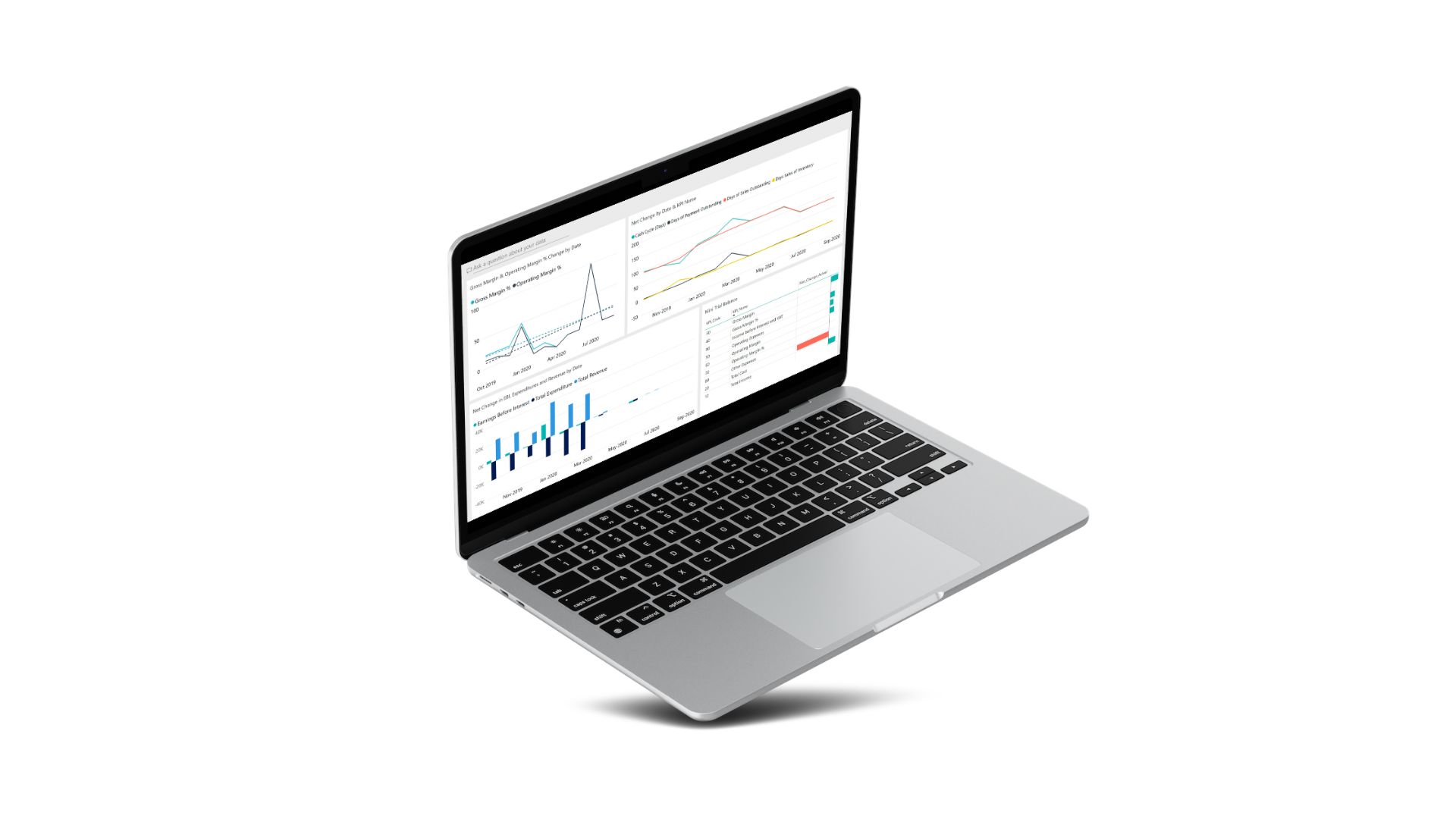
Business Central Inventory Movements and Transaction Recording
At the heart of Business Central lies the meticulous recording of Business Central inventory transactions. How inventory movements and stock valuation are managed is key to efficient inventory management in Business Central.
Product Application Request and Cost Direction in Application
Let's dive into product application requests, their connection to cost destination, and how cost deviation influences the valuation method. These elements are essential for Business Central quantity and cost application and for optimizing inventory processes.
Types of Business Central Application
Quantity and Cost Application
- Quantity Application: Created for all inventory transactions.
- Cost Application: Generated for inbound entries along with a quantity application.
The type of application depends on the transaction direction and whether it is performed automatically or fixed, in connection with special processes.
Product Application Movements and Stock Valuation
Each inventory transaction generates a product application movement to link the cost recipient to its source, allowing costs to be forwarded according to the Business Central stock valuation method.
Business Central Inventory Inflows and Outflows
- For an inbound movement, the entry is created when generating the inbound product movement.
- For an outbound movement, the entry is created when posting the corresponding inbound.
- If there are no open inbound movements, the outbound movement remains open until the inbound is posted.
Challenges in Inventory Application
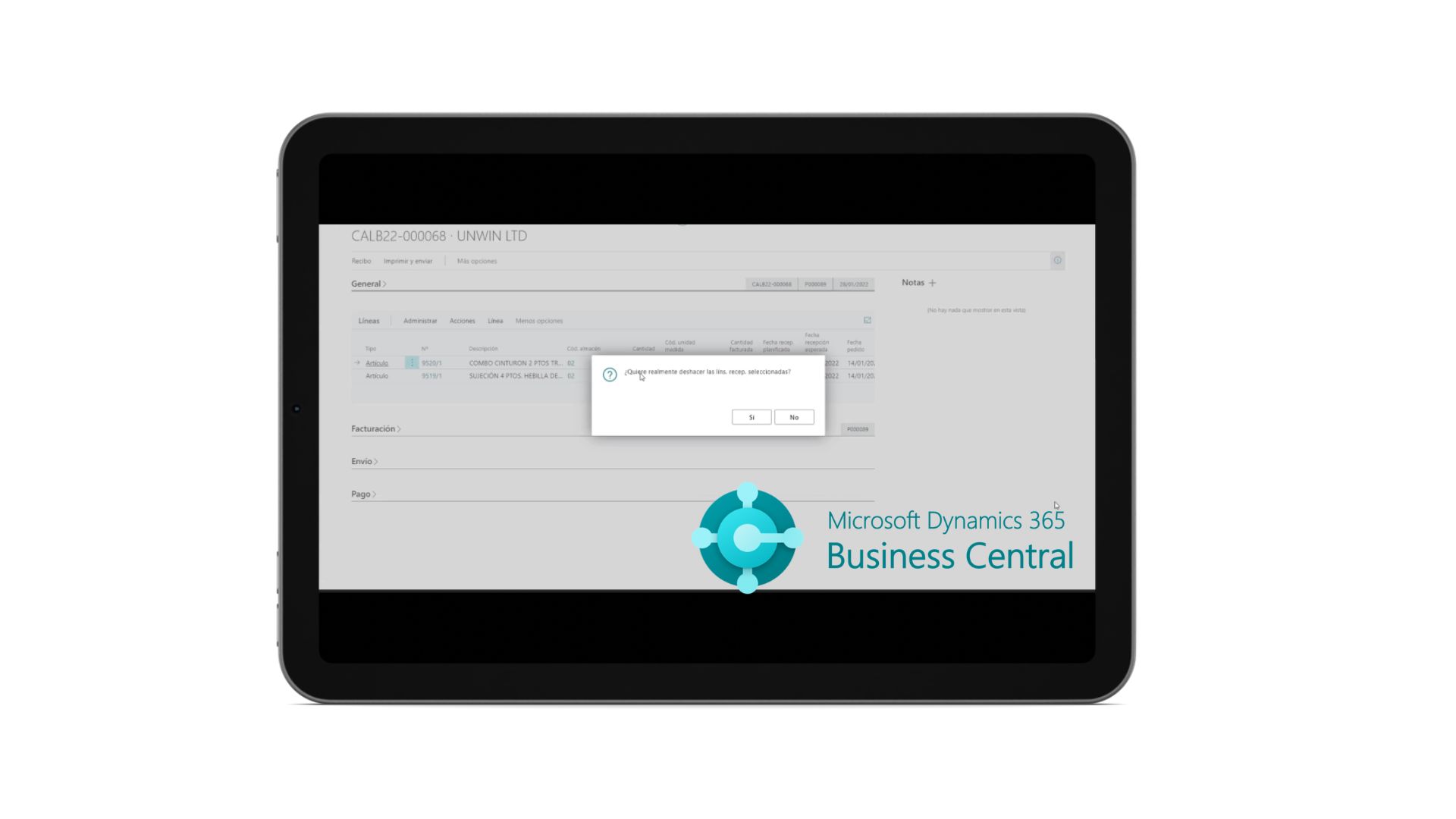
A common issue arises when trying to undo a purchase posting note inventory entry when that movement has already been applied by a sale. This occurs when correcting incorrect entries. Watch the following video to see how to resolve this situation.
Valuation and Efficient Inventory Management in Business Central
Proper Business Central stock valuation and efficient management of product application movements are fundamental to maintaining data reliability and business profitability.
Need help optimizing product application in Business Central?
At ABD Consulting and IT Solutions we advise you to improve Dynamics 365 Business Central inventory management, optimize application movements and resolve the most common challenges. Contact us for personalized advice.