

Business Intelligence and Power BI Dashboards
A Power BI dashboard is an essential tool for business management.
It enables informed decision‑making by bringing together a coherent set of indicators.
These indicators provide a clear, measurable, and auditable view of your business or area of responsibility, aligning teams, resources, and processes with your organization’s strategies.

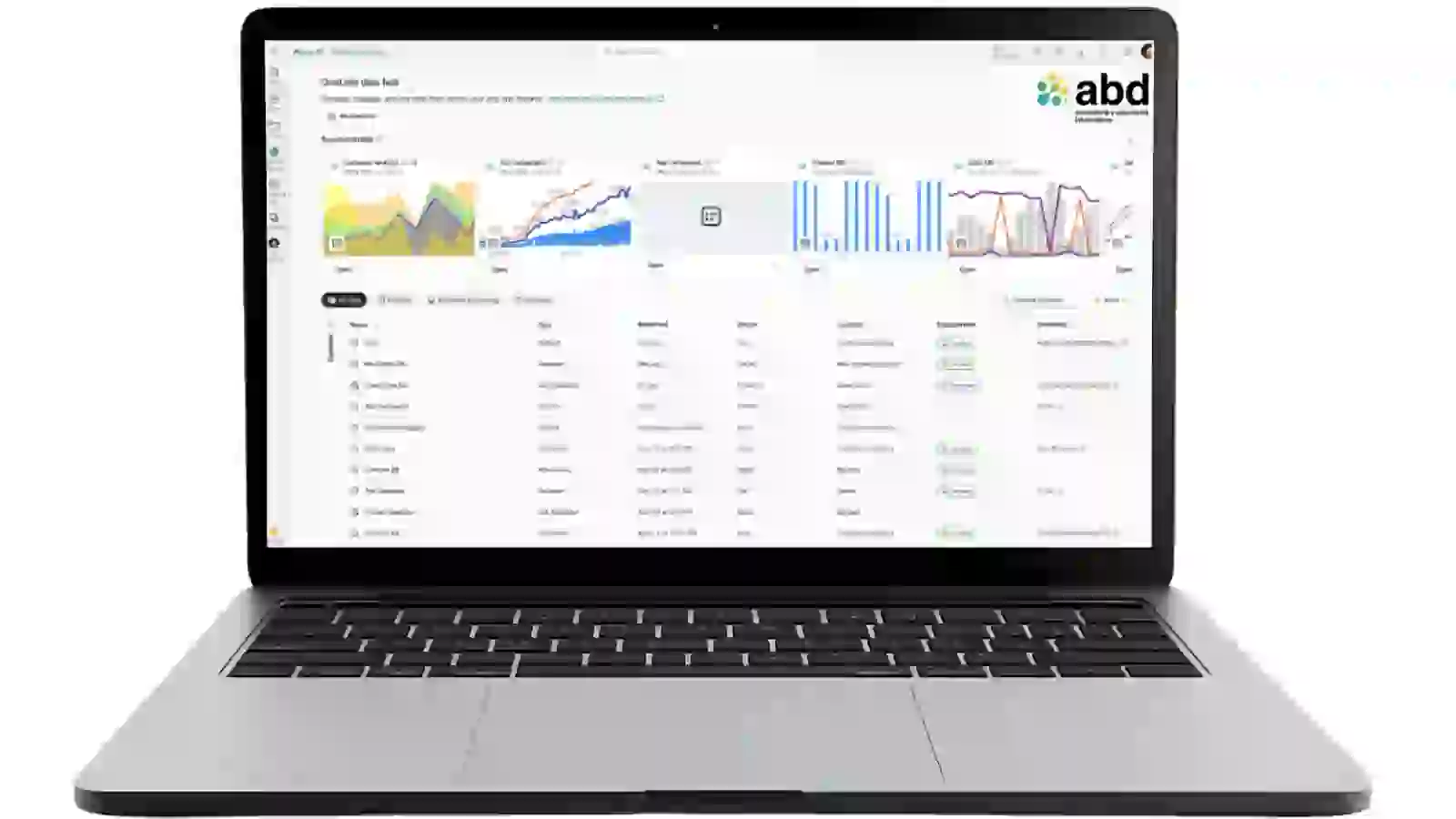
Before creating the dashboard, we define the KPIs for your company or department. We establish measurable targets so you can monitor them effectively and make the most of the benefits these indicators provide.

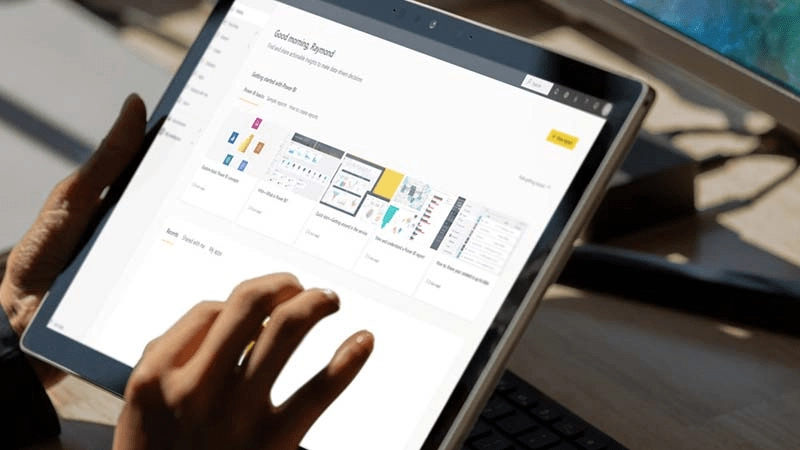
We work with you to identify and define the key performance indicators (KPIs) that are essential for each department or business unit, ensuring that your metrics accurately reflect your organization’s strategic objectives.
We connect and unify all your data sources, integrating them into Power BI to give you a complete and accurate view of your business. From internal databases to cloud services, we ensure that all relevant information is available for analysis.
We prepare and model your data, creating an optimal environment for analysis. We organize the information so it becomes easy to interpret and truly useful for making informed decisions.
We design and develop customized dashboards tailored to the specific needs of your company. This ensures that every user—from executives to operational teams—can access the most relevant information for their role.
We integrate Power BI directly into Dynamics 365 Business Central and NAV applications, providing reports and analytics within the daily workflow.
This allows your team to make data‑driven decisions without leaving the familiar Dynamics environment.
We offer ready‑to‑use data models for Sales, Purchasing, Accounting, Treasury, Inventory, Production, and Projects. These models include key performance indicators and report templates, enabling us to implement solutions quickly and effectively within your company.

For individual users who need modern self‑service analytics to visualize data in dashboards and interactive reports, and to share insights across the entire organization.
For individual users who need access to advanced AI capabilities to prepare data, leverage self‑service features for big data, and simplify data management and access regardless of the size of the organization.
It includes all the features available in Power BI Pro.
For organizations that want to enable advanced AI capabilities, self‑service features for big data, and simplified data management and access—regardless of company size—without requiring individual user licenses for content consumers.
A Power BI Pro license is required to publish content into the Premium capacity.
Power BI is designed even for large‑scale business intelligence implementations, connecting to all data sources to extract, model, and analyze insights from every area of the organization,connecting to all data sources to extract, model, and analyze insights from every area of the organization.
Another more recent capability is the use of paginated reports. These reports are designed to be printed or exported in a page‑friendly format. They are typically used for operational documents, such as invoices, forms, or detailed tabular reports that must fit neatly on a page.
Para diseñarlos utilizaremos Power BI Report Builder.
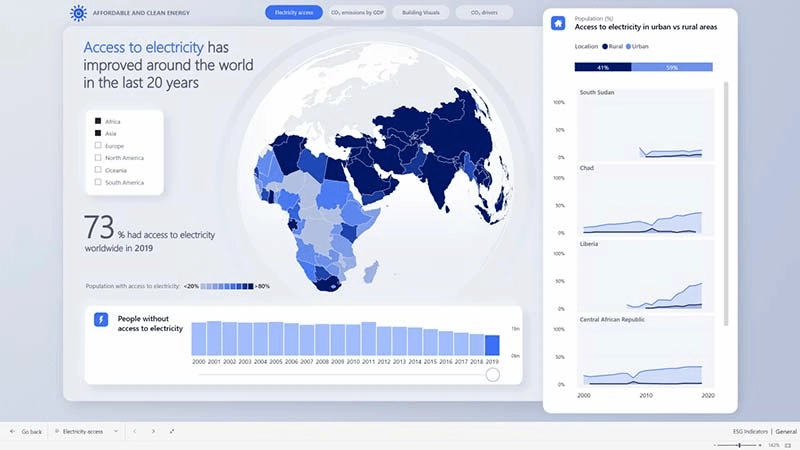

Access up‑to‑date data that enables you to react quickly to market changes.

Improve your strategies and operations with precise and relevant information.

Leave Your Data Management to Us and Focus Your Time on Growing Your Business
Power BI is a complete and unified business intelligence (BI) platform with self‑service capabilities and enterprise‑level scalability.
Power BI can connect to multiple data sources, model them, transform them, and visualize them in customized reports.
You can use the reports in common applications such as Teams, SharePoint, and Business Central.
It enables your company to enhance decision‑making and get quick answers to business questions through the use of AI.
It provides users with all the necessary resources for fast decision‑making, driving strategic actions across the company.

At ABD Consulting and IT Solutions, we have extensive experience in Business Intelligence.
We invite you to join our webinar, where our specialist in Business Intelligence and Copilot (AI) will show you how to transform your data into strategic decisions.



To provide a better experience, we use cookies to store and/or access device information. Consent allows us to process data such as browsing behavior or unique IDs on this site. Denying consent may affect certain functions.