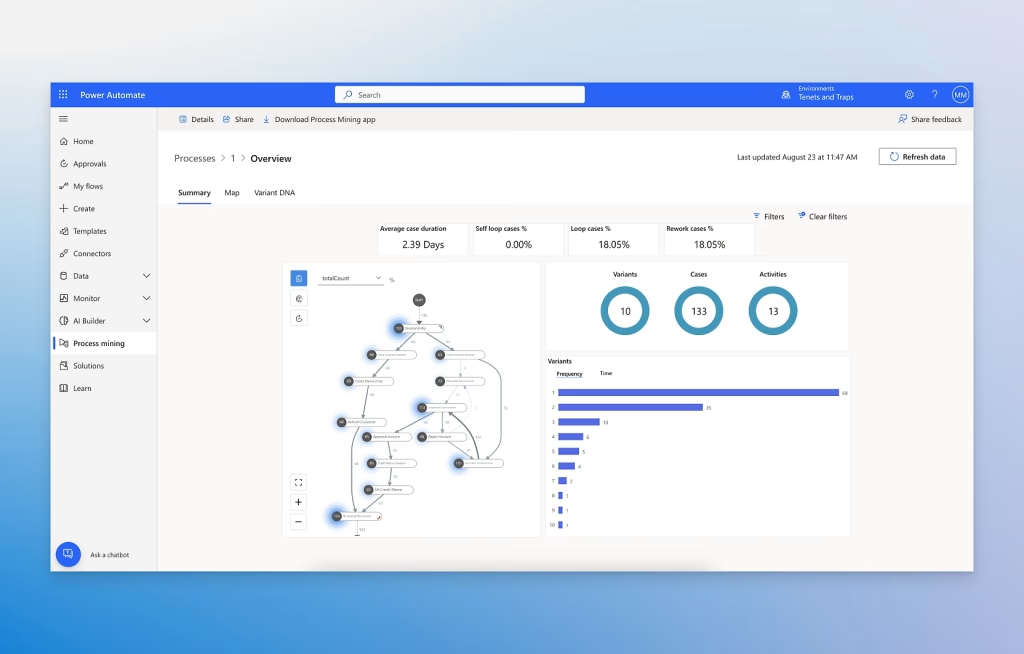
With Microsoft Power Automate, you can enhance your organization’s automation capabilities. Among other benefits, you will be able to:
 Automate business processes
 Send automatic reminders for overdue tasks
 Move business data between systems on a scheduled basis
 Connect to more than 500 data sources or any publicly available API
Even automate tasks on your local machine, such as performing calculations in Excel
As a specialist in business productivity solutions, you can help evaluate different options and implement solutions that automate your operational processes.
At ABD we offer Power Automate automation solutions for:
 Mobile devices
 Web
Web
 Microsoft Teams
 Desktop
 Why? Because it centralizes and simplifies workflows while ensuring high levels of privacy and data‑loss prevention.
Wide range of connectors
Intuitive interface
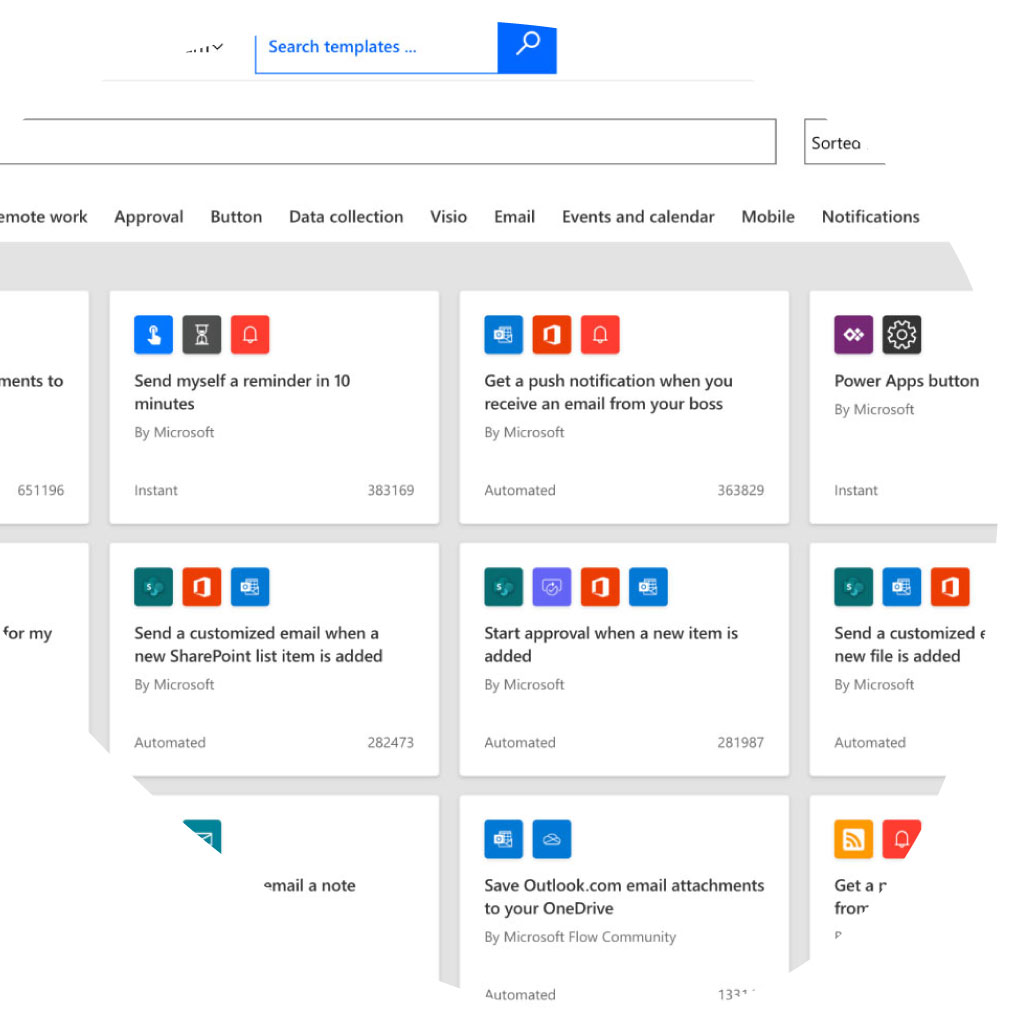
Large collection of templates
 Easy access to the web portal
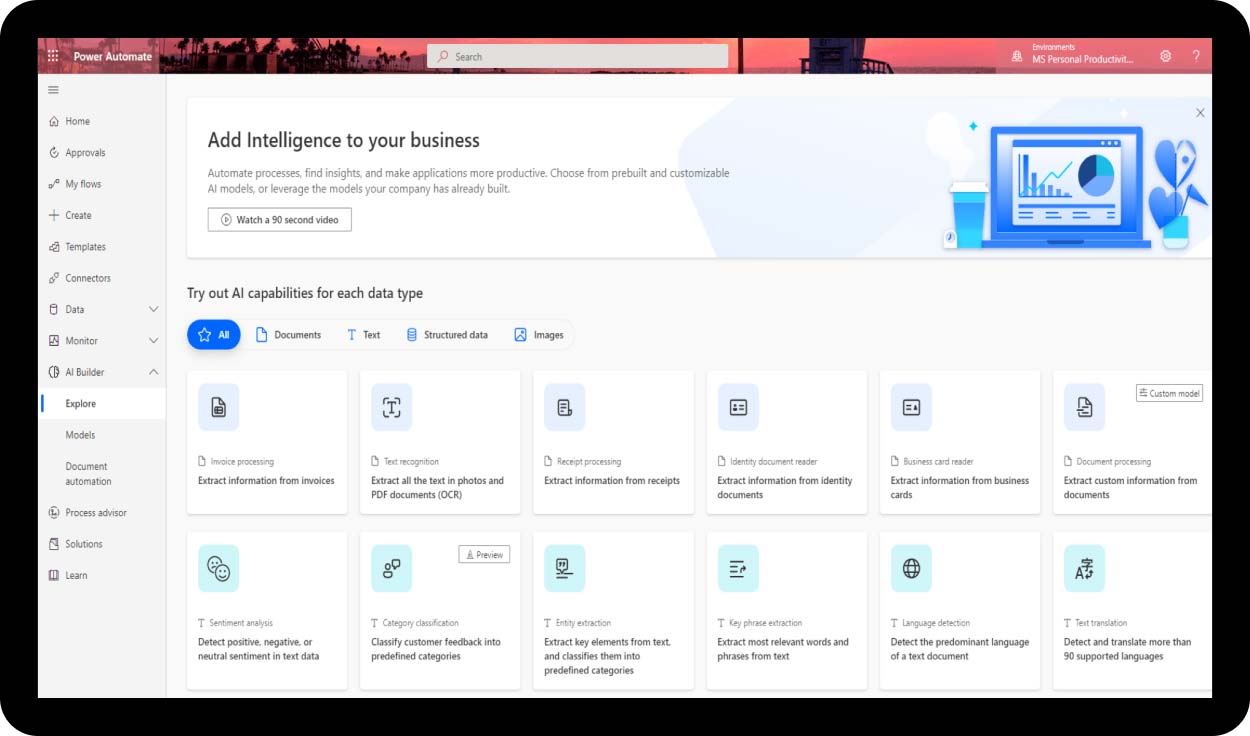
Ability to add AI to your automations
 Why? Windows 10 and 11 users have access to flows directly from their desktop.
 Integration in Windows 11
 Secure automation
 Templates and examples to accelerate learning
 Azure‑based technology to power automation in virtual machines
 Why? Comprehensive user guidance to optimize end‑to‑end processes in sales, marketing, services, and more, using different data sources through Microsoft Dataverse
 Process designer
 Visual guide for tracking and progress
 Approvals system
 Cloud flow execution
 Security and access control
 Pre‑built processes “templates”
 Why? By using AI capabilities with advanced models like GPT through Azure OpenAI Service
 Easy to connect to a wide range of data sources, including Microsoft 365 and Dynamics 365
 Easy to create and manage AI models with step‑by‑step guidance
 Easy to extend through Azure API connectors
 AI‑powered content generation
 Chatbot for generating answers to questions
Ability to analyze, classify, and summarize long texts
Detect and process objects in images
Analyze customer sentiment with ease