

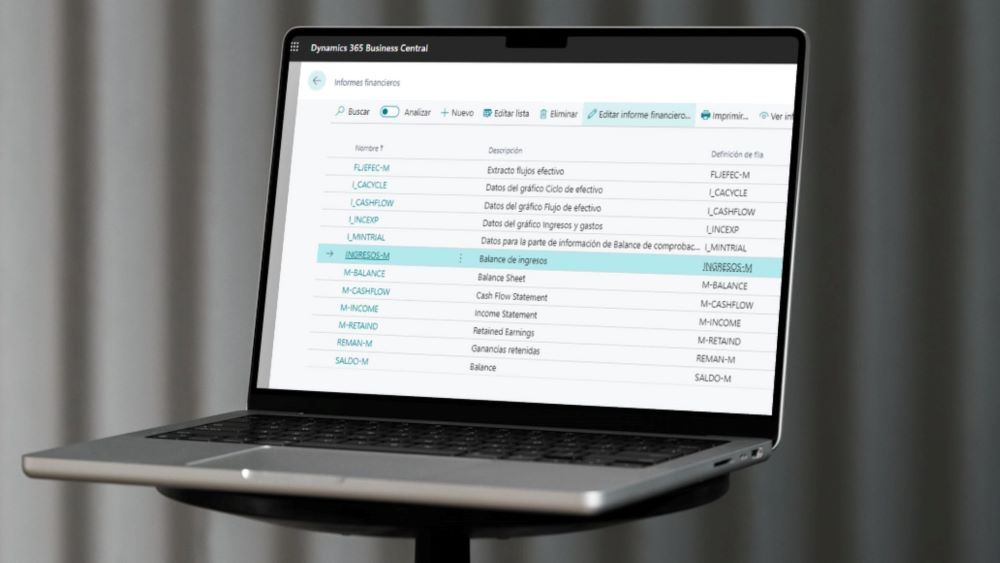
At the core of financial operations in Business Central are the financial reports, previously known as account schedules.
These reports not only offer the basic capability of viewing, printing, and exporting to Excel, but they represent a fundamental tool for presenting data in a polished manner and allow the freedom to define custom formats.
However, how to overcome the complexity of exporting or generating reports in multiple steps? This crucial need in today's business environment is effectively addressed by the Business Central KPI Web Service.
Challenges in Report Generation in Business Central
In a dynamic business environment, the importance of fast and accessible data becomes more evident than ever. Agility in obtaining financial information is essential for informed and strategic decision-making.
However, the dependency on exports and the need to go through multiple steps to generate reports presents significant limitations. It is in this scenario that the KPI Web Service emerges as a catalyst to overcome these challenges, offering a comprehensive solution.
KPI Web Service Solution in Business Central
The crown jewel of Business Central is its unique ability to define and generate a KPI web service. This functionality allows direct connection with key performance indicators in financial reports, ensuring data is always up-to-date in real time.
The integration of the KPI Web Service not only improves accessibility to financial reports, but also marks a milestone in the overall utility of Business Central, taking report generation to a new level of efficiency and functionality.
KPI Web Service Setup in Business Central
We will detail precisely the KPI Web Service configuration process in Business Central. This step-by-step guide ensures a hassle-free implementation that perfectly aligns with individual business needs.
We will now show in several steps how the configuration would be performed on Business Central and how said data would be exploited.
First, we will go to the financial reports and select one of them to perform the test:
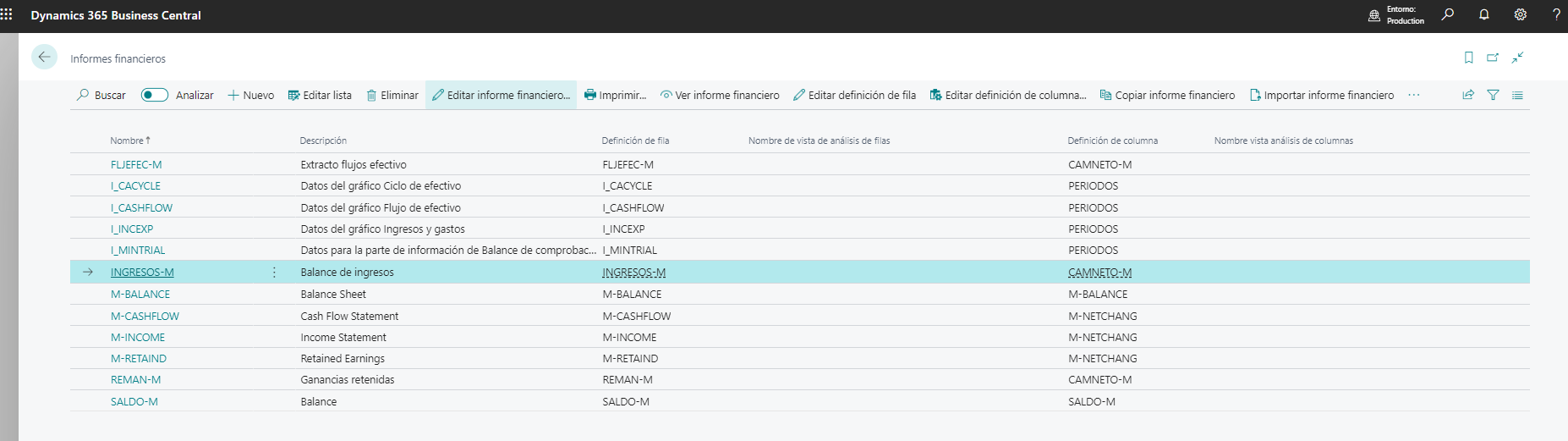
We can view the data on screen, print it, or export it to Excel.

How we configure the KPI web service


KPI Web Service Publication
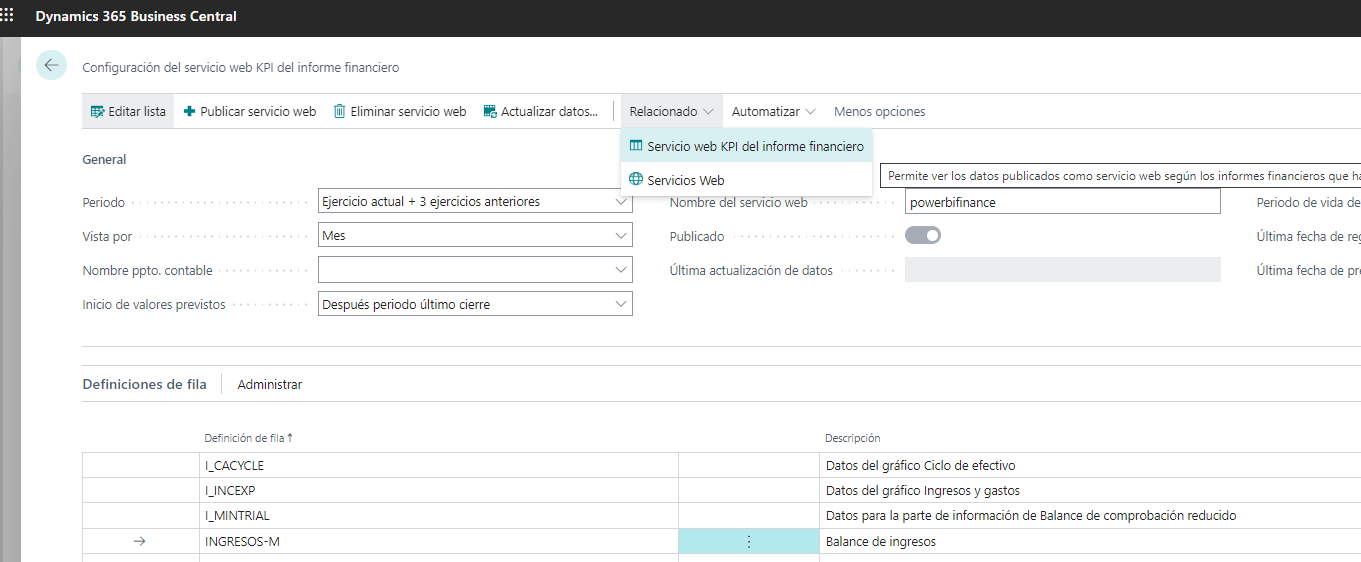
We will delve into the publishing process, highlighting that with a simple click on the "Publish Web Service" button, the specified KPI data (key performance indicators) are added to the list of available web services for immediate use.
We will emphasize the importance of this publication by marking the availability of the web service with the indicated name, thus establishing a direct connection from tools like Excel or Power BI.

Connection with Excel and Power BI
We will explore in detail the process of connecting from Excel to the KPI web service, demonstrating how simple it is to access financial data efficiently.
We will highlight the seamless integration with Power BI as an additional option, enabling deeper and more visually appealing analysis of financial data.
The web service will have the name indicated on this page and it will be the one we will connect to from Excel or Power BI.

Now let's go to Excel and try connecting to the web service:


Or let's try connecting from Power BI:

Custom Reports Setup in Power BI
We will provide a practical example of how to set up a report in Power BI using the data from the KPI web service. This demonstration will illustrate the flexibility and customization that this tool provides to users.

Also read: ABD & Power BI, connect with your Business Central data
In summary, the implementation of the KPI Web Service in Business Central not only redefines financial reporting, but also boosts the overall efficiency and utility of the platform.
Instant access to updated data and the seamless integration with tools like Excel and Power BI mark a significant change in the way companies interact with their financial reports.
By leveraging these tools, companies are better equipped to make more informed and strategic decisions, thus driving their financial success in an increasingly competitive business environment.
At ABD Consulting and IT Solutions, we specialize in business management software.
As a Gold Microsoft Partner, we implement Dynamics 365 Business Central according to your company's needs.
Contact us and we will advise you.