

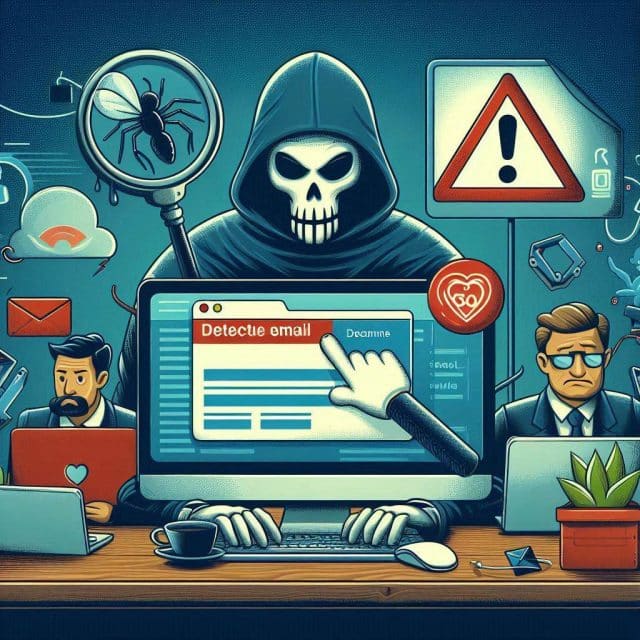

How to detect a malicious email: IT tips
In the constant battle against cybercrime, malicious emails, commonly known as "phishing", represent a persistent threat. Below, I provide a series of useful tips designed to help you identify and protect yourself against these potentially harmful emails.
-
Verify the Sender

The first step to detect a malicious email is to verify the sender's email address. Make sure the email comes from a trusted source. If you don't recognize the sender or the email address seems suspicious, it's best not to open the email.
-
Check the Subject and Content

Phishing emails often have alarming subject lines designed to incite the recipient to open the email or click on a link. Additionally, if the email content is full of grammatical and spelling errors, it is likely a malicious email.
-
Beware of Links

Never click on a link in a suspicious email. Cybercriminals often use links to direct victims to fake websites where they may be asked to provide personal information.
-
Do Not Download Unknown Attachments

Malicious email attachments may contain malware that can damage your computer or steal your personal information. If you are not expecting an attachment from the sender, do not download it.
-
Verify Requests for Personal Information

Legitimate emails from companies or institutions will not ask you to provide personal or financial information via email. If you receive an email requesting this type of information, it is likely a phishing attempt.
-
Use Security Tools

Install antivirus software and make sure it's updated. Many antivirus programs can help you detect and prevent phishing threats.
Remember, the best defense against malicious emails is caution and common sense. If something seems suspicious, it probably is.
Read also: How to implement a security strategy with Microsoft 365?
Protect yourself with cybersecurity experts

At ABD, we are cybersecurity specialists for companies, helping to protect your business from threats like phishing and other cyber attacks. Our team offers you customized solutions to secure your technological infrastructure, ensuring the integrity of your information and the continuity of your operations.
Contact us today to learn how we can help you keep your company safe from growing digital threats.