

The assignment of a salesperson to a shipping address in Dynamics 365 Business Central is one of the new features introduced in the latest update.
This will significantly improve customer management, optimize the sales process, provide detailed analytics, and enhance logistical efficiency.
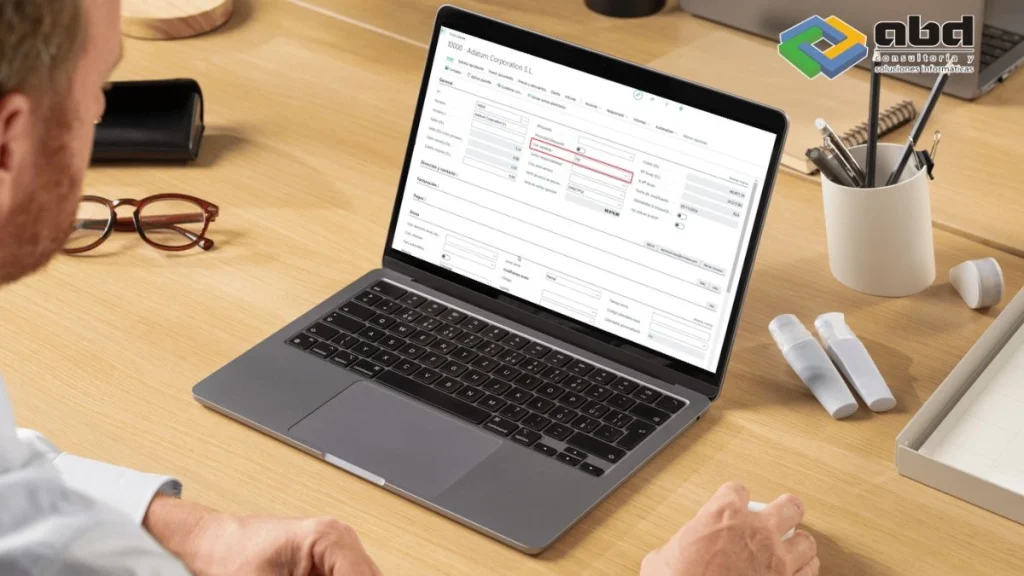
Companies can ensure that they are managing their operations efficiently.
Traditionally, in Dynamics 365 Business Central, the salesperson was associated with the customer card. When a customer had several branches served by different salespeople, this required creating multiple customer cards in order to assign each salesperson accordingly.
Now, with this new functionality, we can have a single customer card and multiple addresses, each with its own assigned salesperson.
Steps to Assign a Salesperson to a Shipping Address in Business Central

If we look at how it would be step by step:
- Access the customer card: We will see that the salesperson assigned is “CM”.

- Go to Shipping Addresses: Here, we will see that we have two shipping addresses.

We can see that we have two shipping addresses

- Assign the salesperson to each address:
If we open the card for any of these shipping addresses, we can see that there is a new field called “Salesperson Code” (This field is hidden by default, but the user can personalize the page to display it).
We assign the salesperson “AT”

We open the other shipping address and assign the salesperson “DM”
In the list of shipping addresses, we can also display the “Salesperson Code” field.

- Update the sales document:
Once this is done, from a sales document—such as an order—assigning the shipping address will update the salesperson code that was initially assigned.
We can see it step by step:
We create the order and we can see that the salesperson is CM.

We go to the Shipping tab and select one of the two available shipping addresses:

This improves the management of logistics processes, ensuring that orders are processed and shipped efficiently.
Benefits of the Functionality
The new functionality for assigning salespeople to shipping addresses in Business Central offers several key benefits:
- Operational Efficiency: By allowing the assignment of specific salespeople to different shipping addresses, the need to create multiple customer records is reduced, simplifying data management and improving operational efficiency.
- Improved Customer Management: Companies can better manage customer relationships by having more precise control over who is serving each branch or shipping address.
- Sales Process Optimization: With the ability to assign salespeople to specific addresses, the sales process can be optimized by ensuring that the right sales representatives are assigned to the correct locations.
- Detailed Analysis: The new functionality enables more detailed analysis of salesperson performance and sales by location, providing valuable insights for strategic decision‑making.
Who Will Benefit from Assigning Salespeople to Shipping Addresses in Business Central

- Sales Teams: Sales representatives will benefit from having clear and specific assignments, allowing them to focus on their areas of responsibility and improve their performance. In addition, they will be able to manage their customer relationships more effectively by having more precise control over their accounts.
- Sales Managers: Sales managers will be able to more accurately track their teams’ performance and make informed decisions based on detailed data. This will allow them to quickly identify areas for improvement and adjust sales strategies as needed.
- Logistics Teams: Logistics teams will benefit from more efficient management of shipping processes, ensuring that orders are processed and dispatched in a timely manner. This can reduce delivery times and improve customer satisfaction.
- Customers: Customers will receive more personalized and efficient service, which can increase their satisfaction and loyalty. By having specific sales representatives assigned to their shipping addresses, customers can enjoy a more consistent and satisfying purchasing experience.
Personalization and Extension in Business Central
Business Central offers extensive personalization and extension capabilities to adapt to the specific needs of each company.

Some of the additional capabilities include:
- Customization of Fields and Labels: Users can customize fields and labels to match their specific processes and terminology.
- Development of Custom Extensions: With Visual Studio Code, developers can create custom extensions to add specific functionalities to Business Central.
- Integration with Third‑Party Applications: Business Central can be integrated with third‑party applications to extend its capabilities and enhance operational efficiency.
Recommended Blogs
To continue exploring the use of Business Central and how it can benefit your company, we recommend reading the following ABD blogs:
- Allocation Accounts: Improve Your Expense Distribution in Business Central
- Posting Texts in Business Central
- How to Perform the Year-End Closing and Generate the Official General Ledger Book in Business Central
Contact Us

If you need assistance implementing Business Central in your company, don’t hesitate to contact us.
We are specialists with more than 30 years of experience in IT solutions.
Our team is ready to help you optimize your processes and improve your company’s operational efficiency.