

“Before, it used to take me an hour to write an email to the director. Now it takes me an hour to decide which of the three Copilot versions to send him.”
"Copilot doesn't take the 11 o'clock coffee, doesn't ask for vacation in August, and never says 'that's not my department.'"
Joking aside…
Your competition is already using artificial intelligence to be more productive
Today, artificial intelligence no longer gives an advantage on its own: it's the minimum to compete. Companies that use it well close the month faster, respond to their customers sooner, and make decisions based on data. The others are still typing invoices by hand.
At ABD Consulting and IT Solutions we're clear about it: Microsoft Copilot It's the most complete AI for companies that work with Microsoft. It works in your email, in your documents, and also in your management program.
Microsoft Copilot lets you choose from the best AI models
Other tools give you just one AI model. Copilot lets you choose between several of the best: 'GPT or Claude? With Copilot, you don't have to pick a side anymore: you make them debate and keep the best of each.'
- OpenAI GPT models, which are the main engine of Copilot.
- Claude Models from Anthropic, available in Copilot, in the Researcher agent, in Copilot Studio, and in Word, Excel, and PowerPoint.
- The Researcher agent can use GPT and Claude at the same time with the same question. It shows you where you agree and where you don't, so you can decide more confidently.
- In Copilot Studio, you choose the model for each assistant from a simple dropdown list.
And all with Microsoft's security. The use of Anthropic's models is covered by Microsoft's product terms and their data protection agreement.
Microsoft Copilot in Word, Excel, PowerPoint, Outlook, and Teams
Copilot is inside Word, Excel, PowerPoint, Outlook, and Teams. Respond with your company's information (files, meetings, chats, and business data) and respect each user's permissions.
- A 20-page technical report, summed up in just a few points.
- Four loose ideas turned into an email ready for the client.
- Notes and tasks from each meeting, and the summary of the week's Teams messages.
Copilot in Business Central: the AI that works inside your ERP
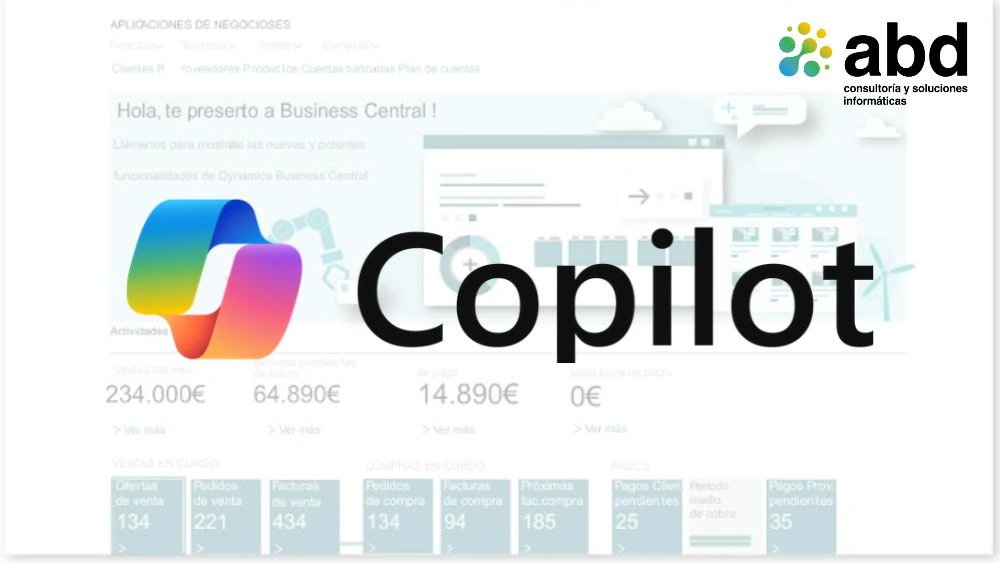
This is where Copilot really saves you hours of work.
At no extra cost. Every user with a Business Central license has Copilot included, at no extra cost. You just have to turn it on.
“Our administration department had two hobbies: reconciling banks and complaining about reconciling banks. Copilot has taken away both.”
“The invoice agent never gets tired, doesn’t mix up suppliers on a Friday afternoon, and best of all, doesn’t ask ‘where do I account for this?’”
Automatic bank reconciliation with Copilot in Business Central
Bank reconciliation automation
- Copilot checks the transactions that automatic reconciliation can't match and finds more matches by date, amount, and description.
- If a customer pays several invoices in a single transfer, Copilot matches it with all those invoices.
- If a transaction doesn’t fit with anything, it suggests the most likely accounting account to record it.
- You always have the final word: Copilot suggests and you approve.
Natural‑language queries within Dynamics 365
- Natural language queries, customer summaries, products and suppliers, and creating reports and analysis without any technical knowledge.
- Automatic filling of customer and supplier records, and commercial texts for your products.
AI agents to automate processes in Business Central
Copilot doesn't just suggest: with agents, it also executes.
- Sales order agent: Read the requests that come by mail, identify the client, check if there’s stock, create the offer in PDF, and turn it into an order
- Supplier invoice agent: Keep an eye on the mailbox, extract the data from PDF invoices, identify the supplier, and prepare the drafts for approval. Also, automatically cross-check invoices, orders, and purchase delivery notes.
- Learn with use: every processed invoice improves its accuracy, and every suggestion comes with a confidence level so you know what to check
- Available in Spain
- Always with human control: every action is logged, user permissions are applied, and important operations require your approval
The result: less typing, fewer mistakes, and an administration team focused on analyzing, not copying data.
Advantages of Microsoft Copilot compared to other artificial intelligence tools
Business data security and protection
- Your data is still yours. Using unauthorized AI tools can expose company information. Copilot is designed to prevent that.
Verifiable answers and checked sources
- Copilot shows the sources for each answer.
Legal protection and business compliance
- Microsoft's legal backing.
- Total control for the IT department: security, privacy, and compliance at the enterprise level.
An ecosystem connected with Microsoft 365, Power BI, and Power Automate
- Business Central, Microsoft 365, Power BI, and Power Automate work together seamlessly, without jumping from one tool to another.
Implementation of Microsoft Copilot for companies with ABD
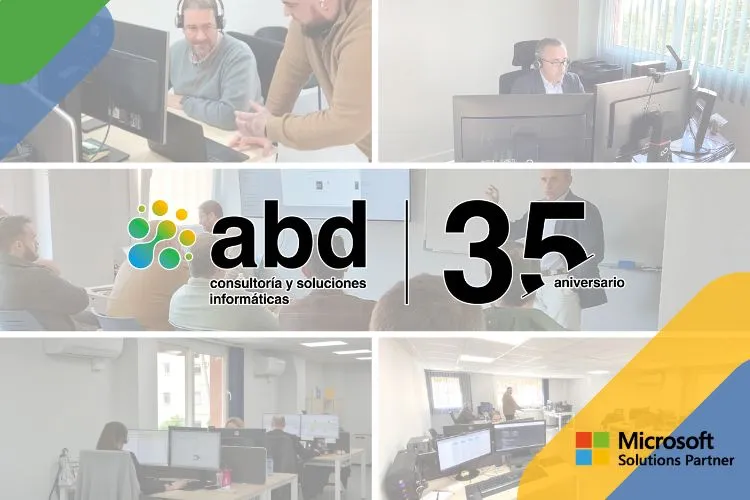
Implementation of Microsoft Copilot for companies with ABD
- Full startup: analysis, environment setup, domains, users, licenses, and email migration
- Data organized in SharePoint, with permissions and versions, so that Copilot works with reliable information
- Training in Copilot and AI: data governance, security, impact measurement, use in Word, Excel, PowerPoint, and Teams, and Copilot Studio
- Copilot agents in your Business Central: We help you choose the use cases and take care of the setup, launch, and user adoption.
- AI model settings according to your company's requirements
- After-sales support by phone, email, remote connection, or at your facilities
- Management of aid, grants, and funding
Since 1991, and as Gold Microsoft Partner, we make technology work for you and not the other way around.
How to start implementing Microsoft Copilot in your company
ABD Consulting and IT Solutions It is a tech partner with over 30 years of experience helping companies drive their digital transformation. As a Microsoft partner, we support our clients in the implementation, optimization, and adoption of solutions like Microsoft 365, Business Central, Power Platform, Azure, and Microsoft Copilot.
Our approach goes beyond technology: we work to ensure that every tool has a real impact on the organization's productivity, efficiency, and decision-making. From the initial analysis to training and ongoing support, we help companies fully harness the potential of digital innovation with confidence, closeness, and measurable results.
Do you want to discover how Microsoft Copilot can transform the way you work? At ABD we help you identify the use cases with the biggest impact and implement the solution with guarantees to get results from day one.
Write to us info@abd.es and we show you what Copilot can do with your data, your processes, and your team.