

Copilot Training: The Key to Leveraging Artificial Intelligence in the Modern Workplace
The arrival of Microsoft Copilot in organizations marks a turning point in how companies interact with technology. Generative AI is no longer a promise—it is now a real, integrated tool that enhances daily operations. However, its true value does not depend solely on licenses or technical deployment. It depends on how effectively users adopt and apply it. And this is where training becomes essential.
What Is Microsoft Copilot and Why Is It Transforming Digital Work?
Microsoft Copilot is an AI assistant integrated into the core Microsoft 365 applications and the broader Microsoft ecosystem, including Word, Excel, Outlook, Teams, Power Platform, and Copilot Studio. Its purpose is to help users create content, analyze information, automate repetitive tasks, and make better data‑driven decisions.
Unlike standalone AI tools, Copilot works within the organization’s existing environment. It uses corporate data, respects security permissions, and integrates seamlessly into established workflows. This means its impact on productivity is immediate—as long as users know how to use it effectively.
Copilot Training: A Critical Success Factor for Organizations
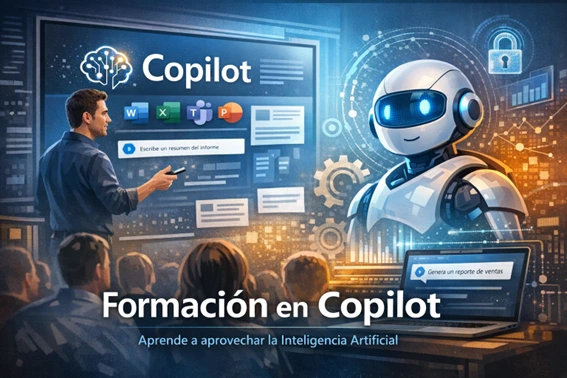
A common misconception is that Copilot “works on its own.” In reality, without proper training, users tend to treat it as a simple text generator or a search tool, missing out on most of its potential.
Benefits of Copilot Training
Training enables employees to:
- Understand what AI can—and cannot—do
- Learn how to craft effective, business‑oriented prompts
- Recognize risks associated with improper information handling
- Integrate Copilot into real processes, not just isolated tasks
Without this knowledge, adoption remains superficial and expectations quickly fall short.
Training Tailored to Each User Profile

Not all users require the same level of training. An effective strategy adapts to the different roles within the organization.
Training for End Users
Focused on practical use in Outlook, Word, Excel, Teams, and other daily tools. The goal is to improve efficiency in everyday tasks such as writing emails, summarizing meetings, analyzing spreadsheets, or preparing documentation.
Training for Business Roles
Designed for intermediate or business profiles, this training emphasizes decision‑making, data analysis, and process improvement, often using real scenarios from the organization.
Technical Training for IT and Copilot Studio
Technical teams and IT leaders require deeper knowledge in areas such as security, compliance, data governance, and configuration of Copilot and Copilot Studio.
Understanding what Copilot can achieve—and how far it can go—is essential for defining realistic expectations and maximizing its impact across the organization.
Security, Compliance, and Responsible Use of Copilot
Security is a critical component of any Copilot training program. Although Copilot respects existing permissions, its ability to generate and summarize information can introduce risks if users do not understand how data access works.
Security Best Practices with Copilot
Training should cover:
- Proper handling of sensitive information
- Understanding permission models and the principle of least privilege
- Copilot’s relationship with Microsoft Purview, Defender, and Entra ID
- Implications for regulated environments or standards such as ENS or ISO 27001
This is especially relevant for organizations in Spain, where regulatory compliance and data protection are essential.
Prompting in Copilot: How to Interact with AI Effectively
One of the most important aspects of Copilot training is learning how to prompt and personalize the AI. The quality of Copilot’s responses depends heavily on how requests are formulated.
How to Create Effective Prompts
A solid training program teaches users to:
- Provide clear and specific context
- Define the desired outcome
- Specify formats, tone, and constraints
- Review and refine responses iteratively
- Evolve toward personalized AI agents
This shift—from “clicking buttons” to “dialoguing with the tool”—is one of the biggest cultural changes in AI adoption.
Continuous Copilot Training vs. One‑Off Sessions
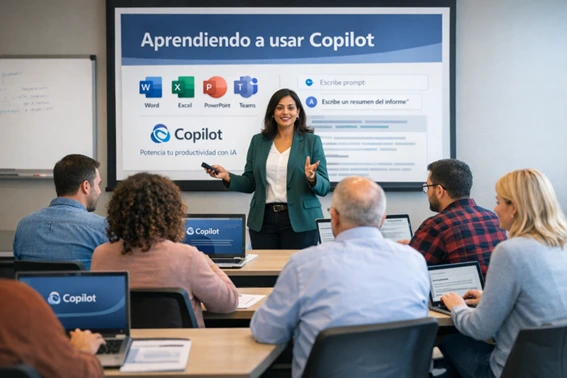
Copilot evolves constantly. New capabilities, improved models, and expanded use cases mean that a single training session becomes outdated quickly.
A Continuous Learning Strategy
The most effective approach includes:
- Initial adoption sessions
- Practical workshops by department
- Internal guides and support materials
- Periodic updates as Microsoft releases new features
This ensures that the investment in Copilot translates into long‑term, measurable value.
Copilot Training as a Competitive Advantage
Copilot training is not an optional add‑on—it is a strategic asset. Organizations that invest in user enablement achieve higher productivity, better quality outcomes, and safer, more responsible use of AI.
Copilot does not replace human expertise—it amplifies it. And for that amplification to work, training is the true engine of change. When approached strategically and aligned with business goals, Copilot becomes a genuine competitive advantage in today’s digital landscape.
Copilot and AI Training with ABD

At ABD Consulting and IT Solutions we help organizations unlock the full potential of Microsoft Copilot, Microsoft 365, and artificial intelligence through training programs tailored to each user profile.
Our mission is simple: turn AI into a tangible competitive advantage for your company.
Ready to train your team in Copilot and start seeing results from day one? Let’s talk.