


The following capabilities are added to manage master data
- Master data movement works when a company subscribes to data from another company.
- You can define the tables and fields you want to synchronize. You can filter by table records. You can also make more advanced settings.
- Changes in the main company are immediately carried to the receiving companies by the job queue.
- Users in the receiving company can review the synchronization records.
Let's see how it works:
To start using the new Master Data Management feature, from a company where you want to synchronize data with a main company, open the Master Data Management Setup page and here select the source company and enable Enable data synchronization:
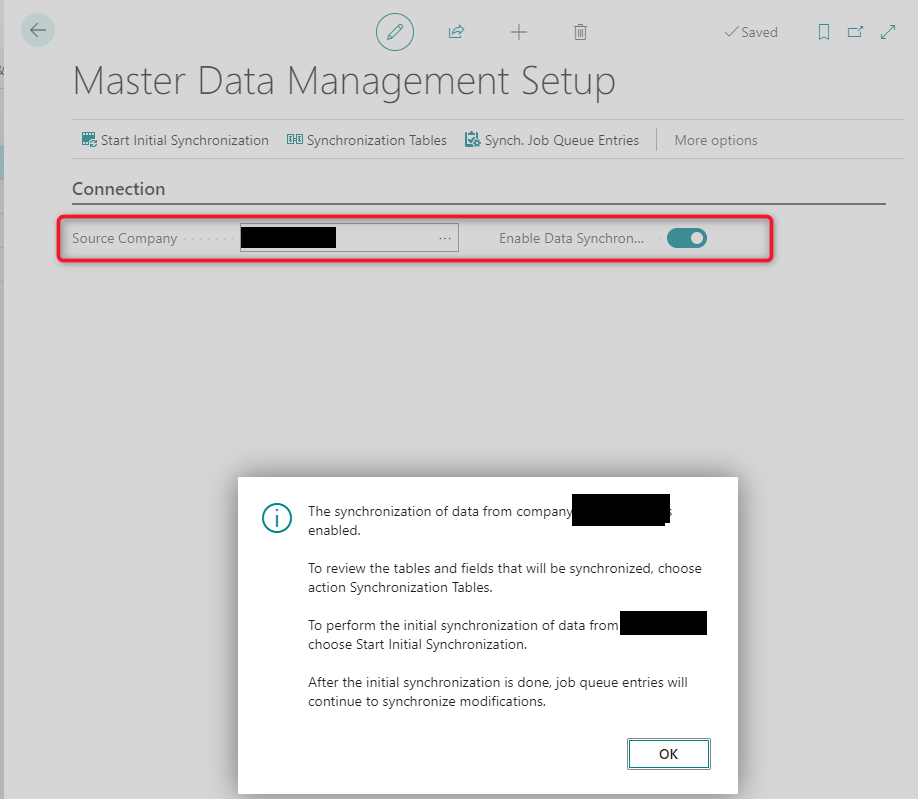
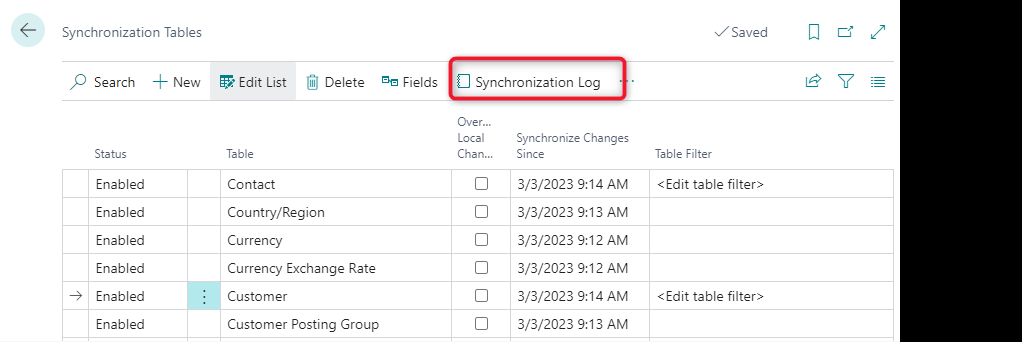
The tables that will be synchronized from the master company can be specified through the Synchronization Tables page:
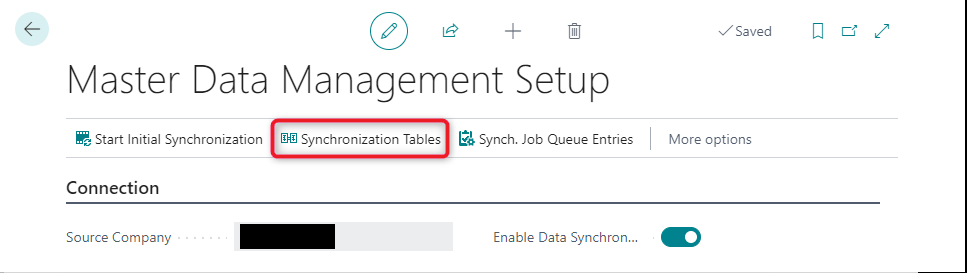
Here you can specify which tables to synchronize and for each table you can specify the fields and filters to apply to the records:

Now click Start initial synchronization to start the first data synchronization:
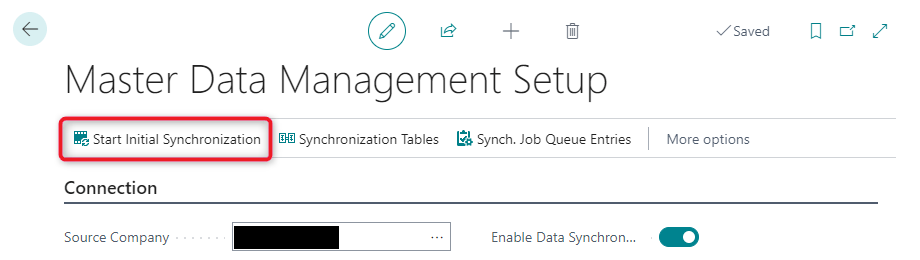
The Master Data Initial Synchronization page will open. Here you can see the list of tables being synchronized and the synchronization mode:
- Full synchronization: creates a new record based on the source company record.
- Matching-based coupling: existing records are compared with the source company records according to the criteria you can set:

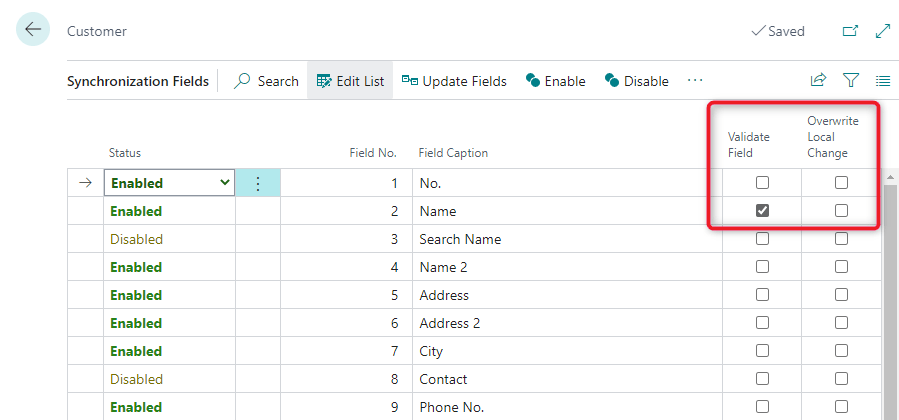
When specifying the fields to be synchronized for each table, you can also specify whether the field should be validated or if local changes need to be overwritten:
On the Master Data Initial Synchronization page, you can select all the records you want to synchronize and then click on Start All to start the first synchronization:

A job is started to schedule data synchronization and you can see the results directly from the Master Data Initial Synchronization page:
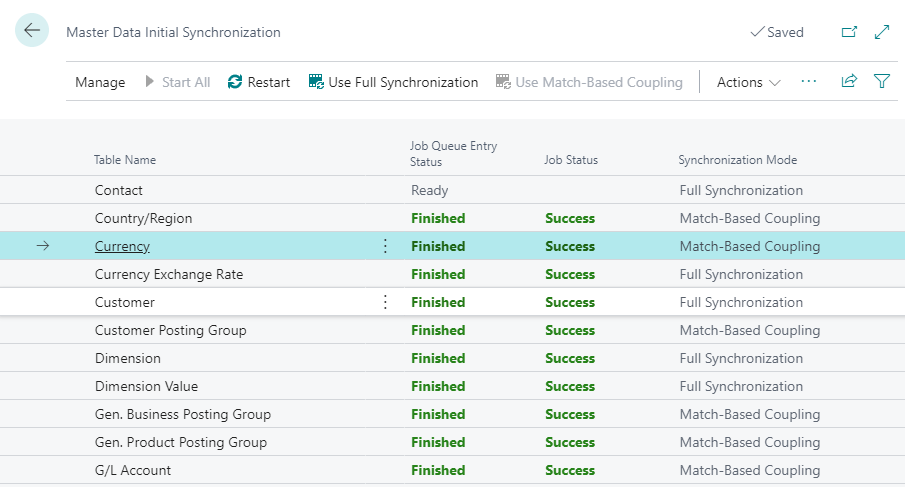
If you have synchronization errors, you can click and inspect the error details.
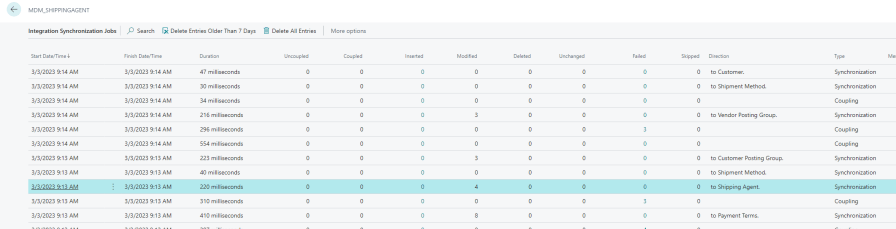
If you look for the Integration Synchronization Jobs page, you can see the list of synchronization jobs run and their corresponding details:
I hope this helps you.
Dynamics Programming –
ABD Consulting and IT Solutions