

In an increasingly globalized work environment, simultaneous translation in Microsoft Teams has become a real necessity. Overcoming language barriers is essential for improving collaboration, especially in international teams or meetings with clients from other countries.
With Copilot's new voice interpreter, Microsoft takes artificial intelligence to the next level, enabling smooth, real‑time multilingual conversations.
What is Copilot’s AI Interpreter in Teams?
The new Copilot feature in Microsoft Teams automatically translates what meeting participants say, using either their own voice or an automated one. Unlike traditional subtitles, this tool plays back the translated voice while preserving the speaker’s tone, rhythm, and even style.
Voice translation with impressive realism
One of the most innovative features is the option to use a personalized simulated voice, that mimics your way of speaking in the target language. You can also choose a generic automated voice.
Languages supported by simultaneous translation
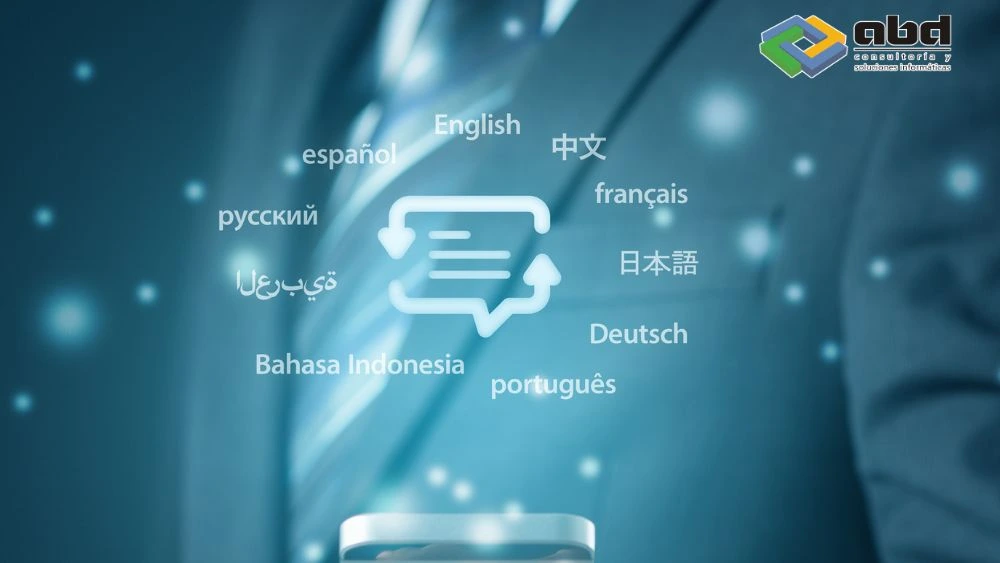
In its initial phase, the interpreter supports 9 languages: Spanish, English, French, German, Italian, Portuguese, Japanese, Mandarin Chinese, and Arabic.
Microsoft has confirmed that this list will expand, incorporating the more than 50 languages already supported by Copilot in other features.
Requirements to enable simultaneous translation with Copilot
To use this feature, you need:
-
A Microsoft 365 Business license (Basic, Standard, E3, or E5)
-
An active Copilot for Microsoft 365 license
-
An environment in Public Preview mode
Currently, it is only available in scheduled meetings (Teams on desktop, web, and mobile). It is not yet supported in ad‑hoc calls, webinars, or breakout rooms.
How to set up simultaneous translation in Teams
During a meeting, you can enable the interpreter from the Copilot options panel. Then:
-
Select the input and output languages
-
Choose the type of voice (simulated or automatic)
-
Decide whether your original voice will be heard along with the translated one
In testing, the delay between the original voice and the translation was around 2–3 seconds, a margin Microsoft is still refining.
Benefits of using Copilot in multilingual meetings

Enhance global communication
-
Eliminates the need for human interpreters or external services.
-
Improve understanding in multicultural environments
-
Improve understanding in multicultural environments
Boost productivity
According to Microsoft, 84% of Copilot users report productivity improvements, and 68% feel more satisfied with their work after integrating these features.
Business impact of real‑time translation
-
Strengthens barrier‑free communication
-
Empowers teams distributed across different countries
-
Reduces costs associated with translation and language support
-
Improves customer experience in international contexts
ABD: your partner for integrating Microsoft Copilot into your company

At ABD Consulting and IT Solutions, we are an official partner of Microsoft with more than 30 years of experience helping companies digitalize their communication and processes.
With our support, you can:
-
Activate and configure the Copilot environment in Microsoft 365.
-
Train your team in the use of the Microsoft 365 ecosystem
-
Ensure regulatory compliance and data protection
-
Integrate Copilot into your daily workflows to fully leverage its potential
Want to implement Copilot in your organization? Get in touch with us and let us help you take the leap toward borderless communication.