The way companies create, review, and manage documents is changing rapidly. With the integration of Copilot in Word, artificial intelligence becomes a direct part of one of the most widely used tools in everyday professional work.
It is now possible to write texts, generate drafts, summarize long documents, and improve content quality without leaving Word, saving time and increasing productivity.
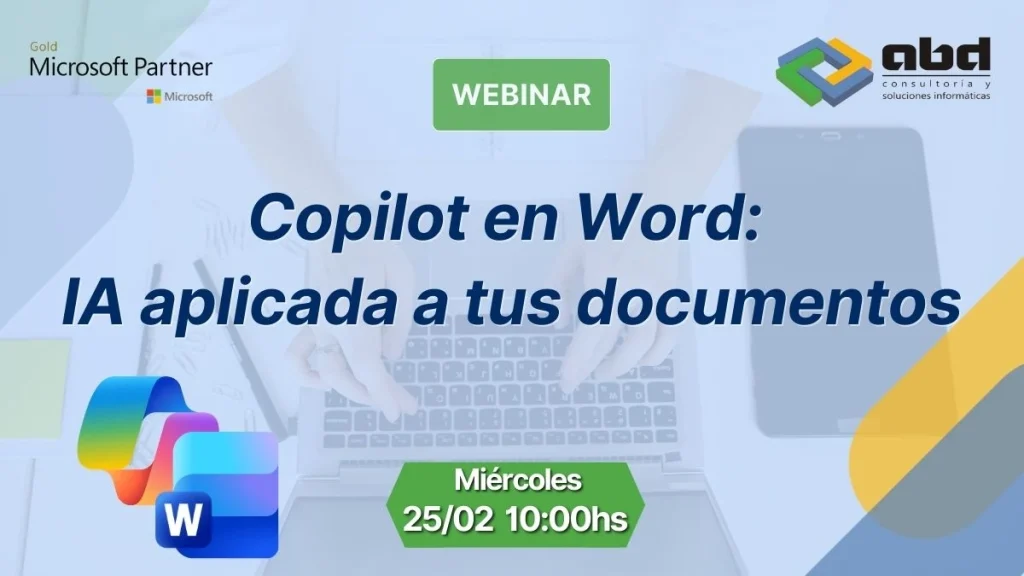
Next Wednesday, February 25 at 10:00 a.m., ABD will host a practical webinar where we will demonstrate how to use Copilot in Word to transform the way you work with documents.
Webinar Details
- Date: Wednesday, February 25
- Time: 10:00 A.M.
- Duration: 30 minutes
Speakers:
- Fernando Muñoz – Systems Director at ABD
- Jesús Delgadillo – Business Development at ABD
What is Copilot in Word?
Copilot in Word is the integration of Microsoft’s artificial intelligence directly within Word. It acts as an assistant that understands the document’s content and helps you:
- Write texts based on prompts
- Create drafts of reports, proposals, or contracts
- Summarize long documents
- Rewrite texts with better style or clarity
- Correct and improve content
All of this in an interactive and real‑time way.
How AI enhances document creation
Most of the time we spend in Word doesn’t go into writing, but into thinking about what to write, correcting, restructuring, and reviewing.
With Copilot, this work is accelerated thanks to AI.
Faster writing
Copilot can generate a first draft from a simple description, allowing you to start from a solid foundation in seconds.
Automatic summaries
Got a long document? Copilot analyzes it and creates a clear summary so you can quickly grasp the most important points.
Style enhancement
AI can rewrite texts to make them more professional, clearer, or better suited to a specific tone.
A practical webinar for everyday use
In this webinar, we won’t talk about theory, but about how to use Copilot in Word in real situations. You’ll see examples of:
- Creating documents from scratch
- Editing and improving existing texts
- Summarizing and analyzing long documents
- Using AI to boost productivity
ABD, your Microsoft Gold Partner

At ABD Consulting, we help companies harness the full potential of Microsoft 365, Copilot, and artificial intelligence to improve their productivity, security, and efficiency.
We implement, configure, and adapt Microsoft tools to the real processes of each organization, ensuring that technology delivers value from day one.
If your company is ready to take the leap toward a smarter way of working, ABD will guide you through the entire process.